Unlock your MacBook's full potential
Push your XDR display beyond 500 nits. Boost to full HDR brightness or dim below minimum.
Requires MacBook Pro 14" or 16" with M1 Pro/Max, M2 Pro/Max, M3 Pro/Max, or M4 Pro/Max
See the difference
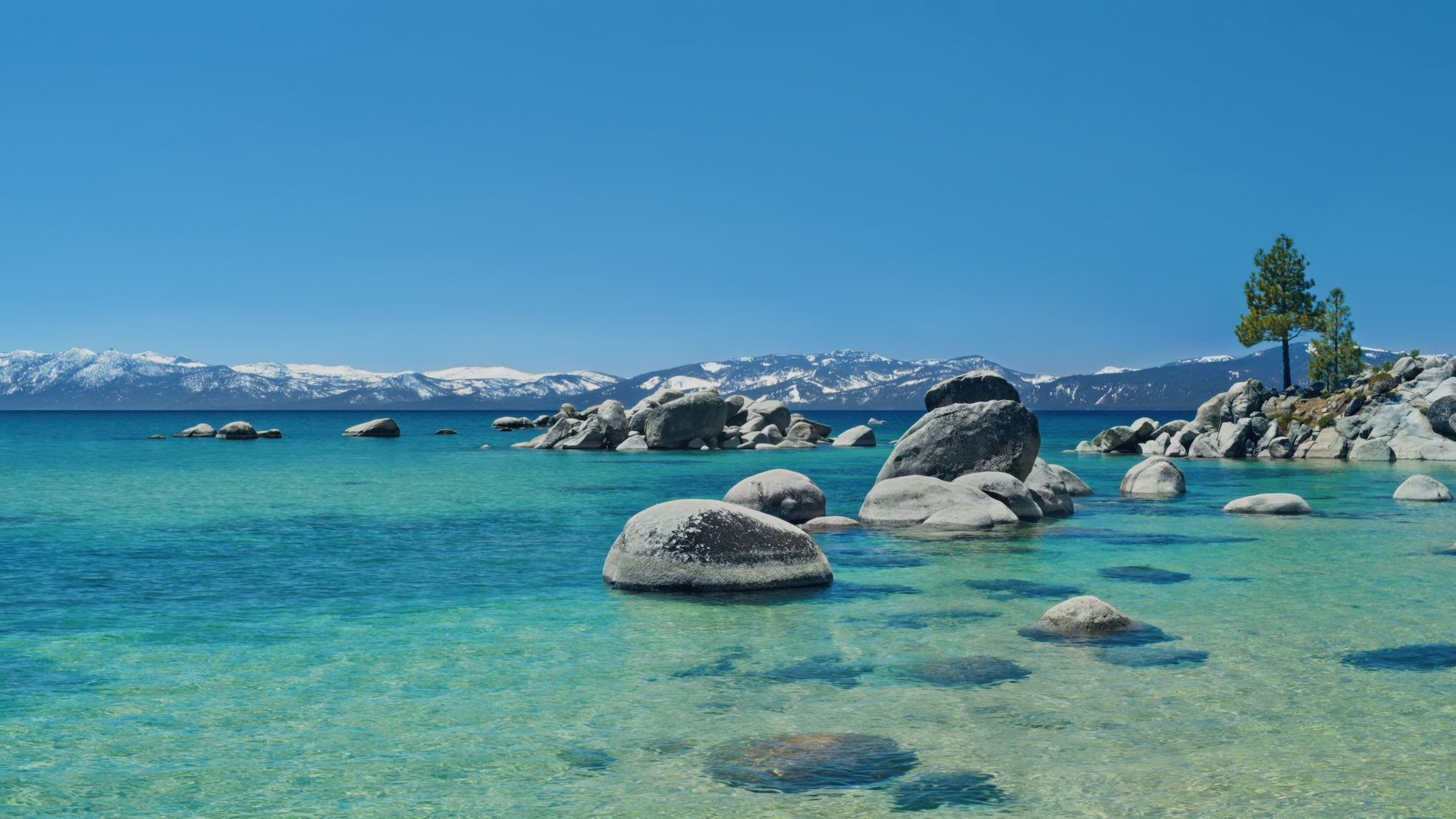
Drag to compare
See how Radiant transforms your display brightness
Simulated effect for demo purposes only. Actual results can be seen on your display.
Everything your display can do
XDR Boost
Push brightness past the macOS SDR limit. Your display can do 1000+ nits — Radiant lets it.
Eclipse Mode
Dim your screen below the system minimum. Perfect for dark rooms and late night work.
Keyboard Shortcut
Toggle brightness boost instantly with a global hotkey. No need to open the app.
Battery Aware
Automatically disables the boost when you unplug. Saves battery when you need it.
Variable Control
Fine-tune your brightness with a smooth slider from eclipse through normal to full boost.
Free Forever
No subscriptions, no trials, no paywalls. Radiant is completely free and open source.
How it works
Your display is already capable
Apple's XDR displays can output up to 1,600 nits peak brightness, but macOS caps everyday content at ~500 nits. The extra brightness is reserved for HDR video. Radiant unlocks it for everything.
No hacks, no private APIs
Radiant uses Apple's own Extended Dynamic Range (EDR) system to activate the display's HDR mode, then adjusts the display's gamma response to boost all content. It operates within the hardware's rated specifications.
Lightweight and unobtrusive
Radiant lives in your menu bar. A single slider controls everything from screen dimming to full brightness boost. It uses minimal CPU and memory.
Download Radiant
Free for macOS. Requires a MacBook Pro 14" or 16" with Liquid Retina XDR display (M1 Pro/Max, M2 Pro/Max, M3 Pro/Max, or M4 Pro/Max) or Pro Display XDR.
Download v1.0macOS 14 Sonoma or later
FAQ
Will this damage my display?
No. Radiant operates within Apple's rated specifications for XDR displays. These displays are designed to sustain 1,000 nits full-screen brightness. macOS manages thermal limits automatically.
Which Macs are supported?
MacBook Pro 14-inch and 16-inch with M1 Pro/Max, M2 Pro/Max, M3 Pro/Max, or M4 Pro/Max (Liquid Retina XDR display), and the Pro Display XDR.
Does it work on MacBook Air?
No. MacBook Air displays max out at ~500 nits and lack XDR capability. There's no additional brightness to unlock.
Does it affect battery life?
Running the display at higher brightness uses more power. Radiant can automatically disable the boost when on battery.